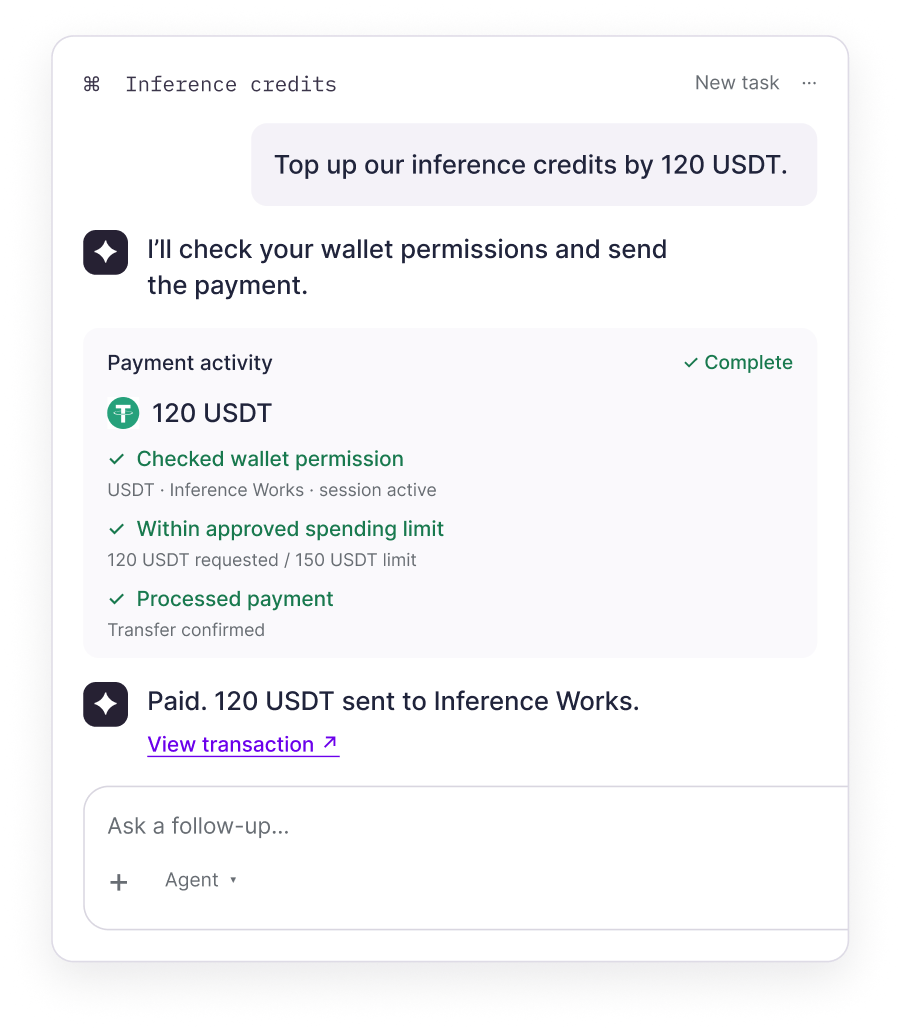
Let agents pay within limits you set
Give an agent a defined stablecoin budget, approved transfers, and expiry. The onchain wallet permission bounds each payment request.
Give an agent a budget and a defined boundary
Set the task once. The wallet checks each payment against the approved rule.
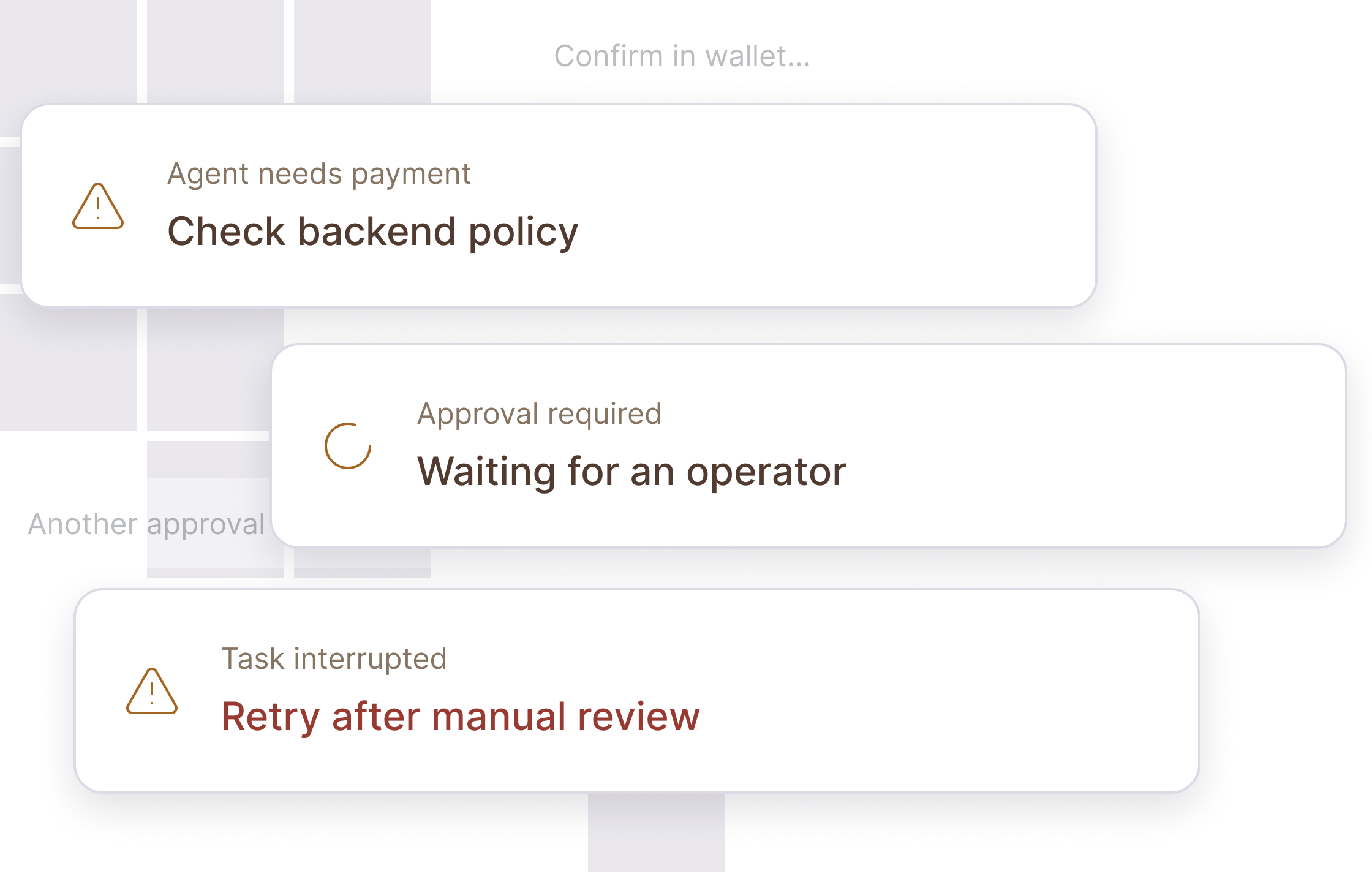
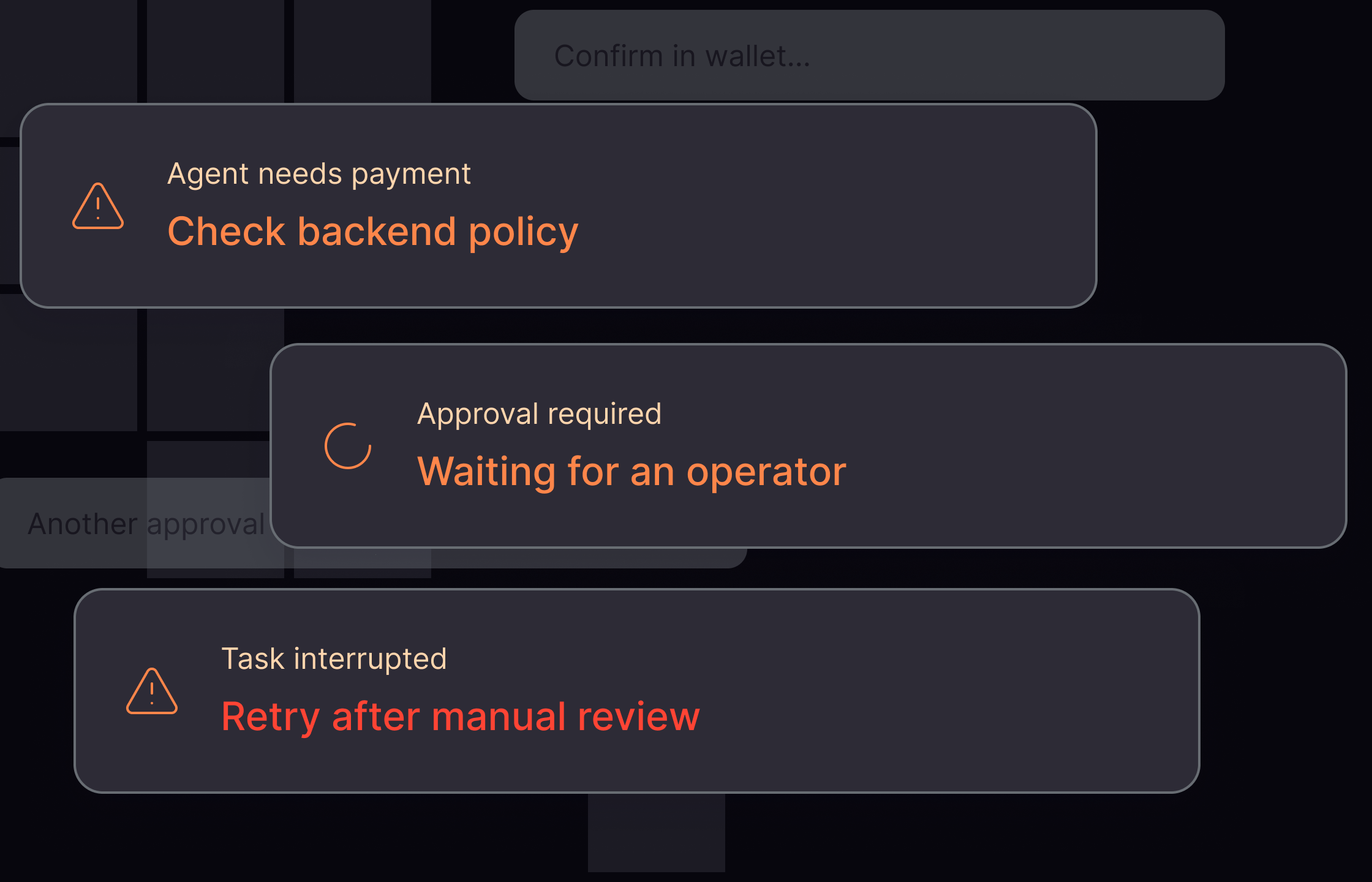
The old way
Rules live across systems, exceptions pile up, and operators have to step in.
The Polygon OMS way
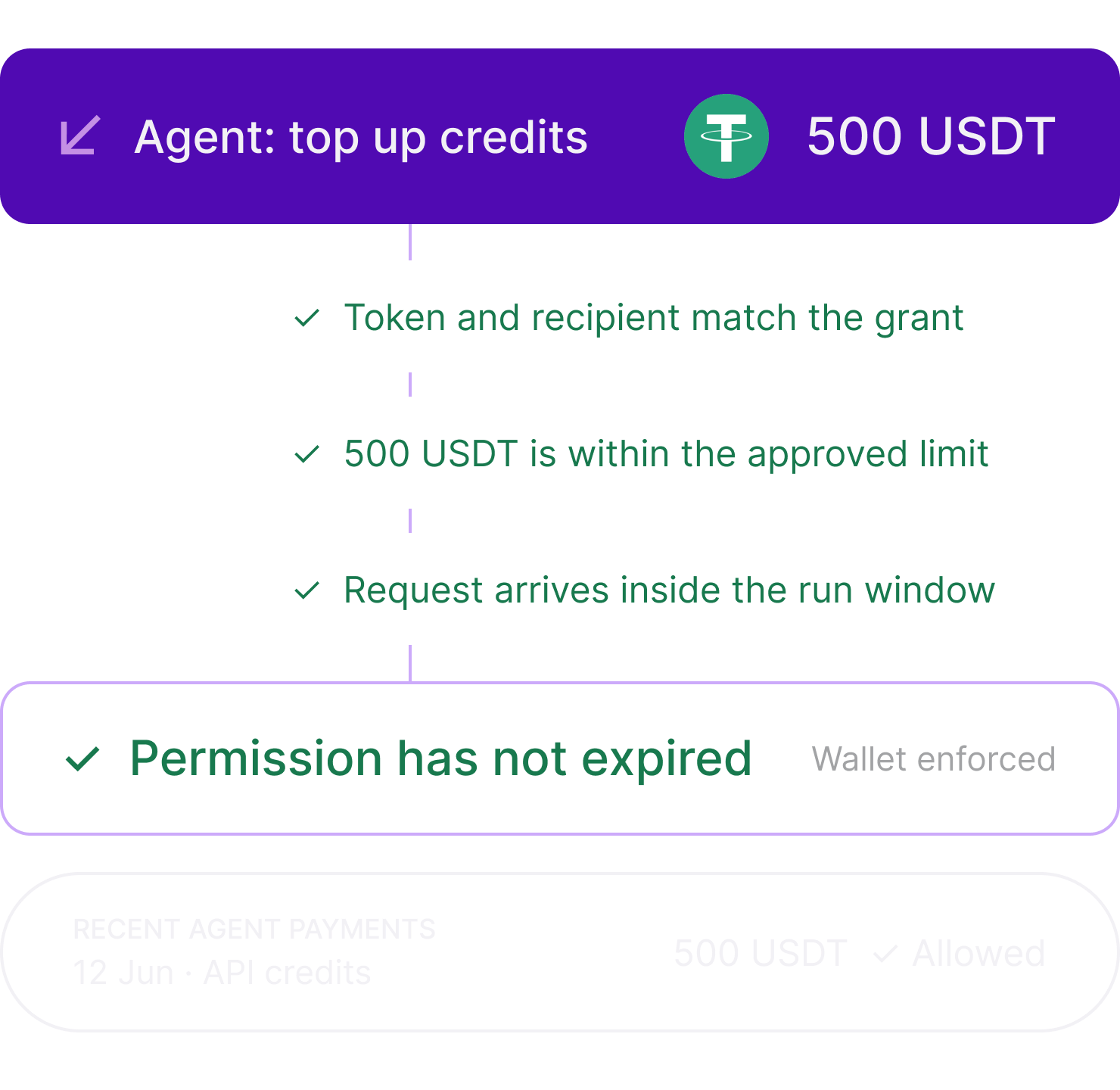
The wallet checks the transfer scope, amount, and expiry.
Set a clear payment rule before the agent starts
Choose what the agent can pay for, how much it can spend, how long the task lasts, and when to stop it.
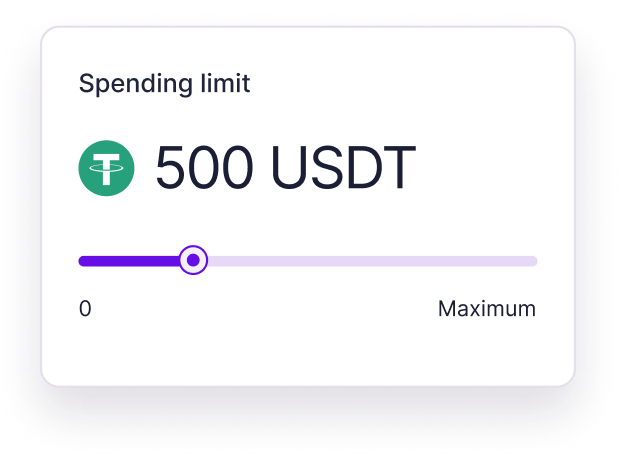
Spend limit
Set the maximum amount each payment can use.
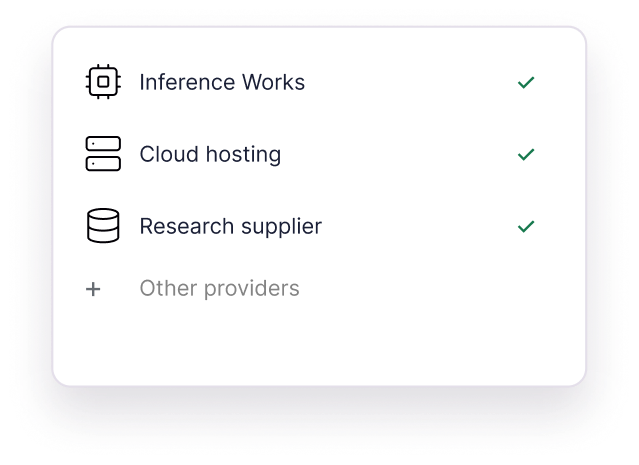
Approved transfers
Limit payments to the asset and recipient the owner approves.
Expiry
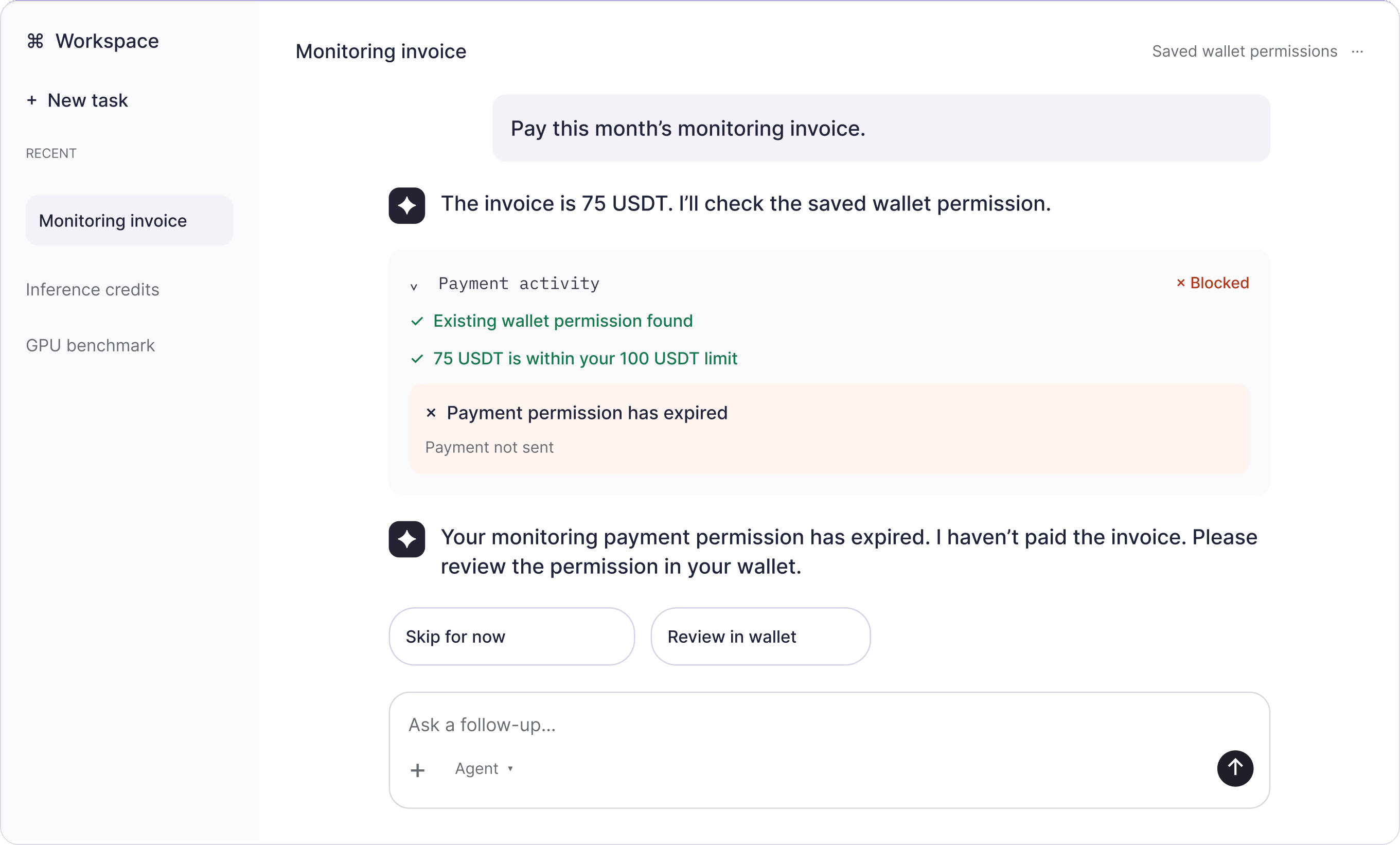
Choose when the permission ends. Expired sessions cannot pay.

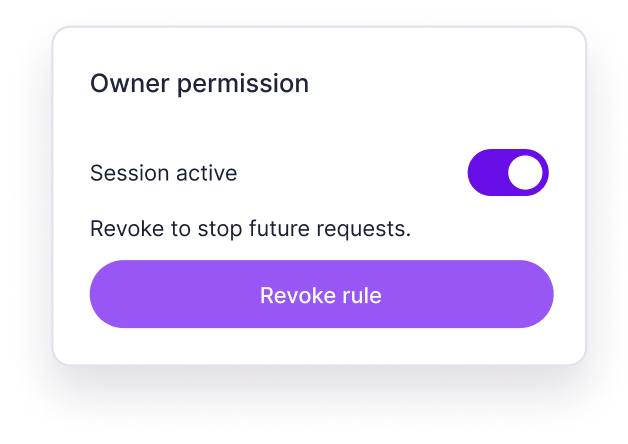
Revoke access
The owner can stop the session. The agent cannot extend it.
The wallet enforces the rule onchain
An agent can request a transfer, but cannot widen its grant. The wallet contract rejects requests outside the owner-approved scope, amount, or expiry.
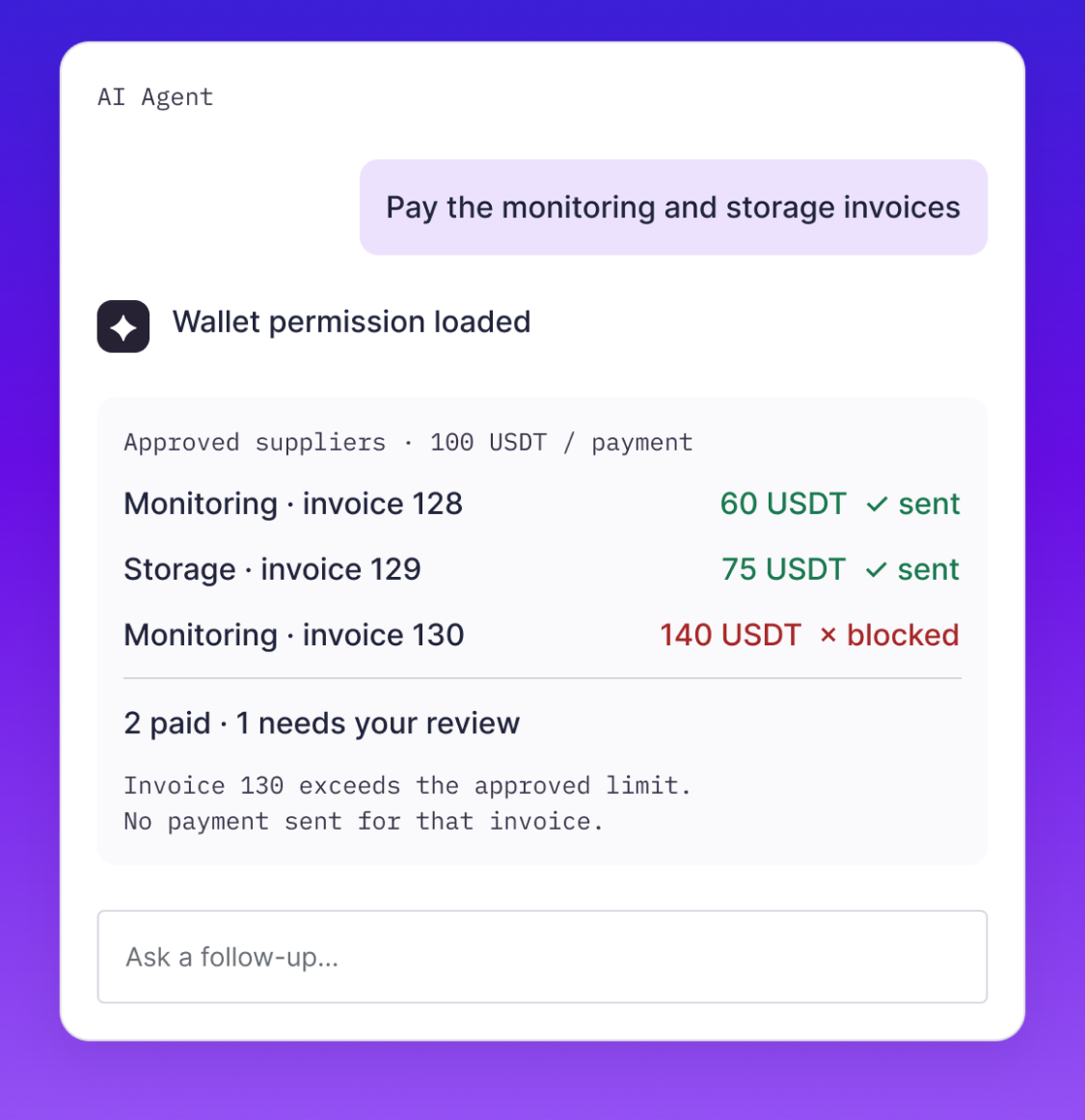
What happens when the agent requests a payment?
After owner approval, your agent workflow can request payments within the grant. Your application tracks each result.
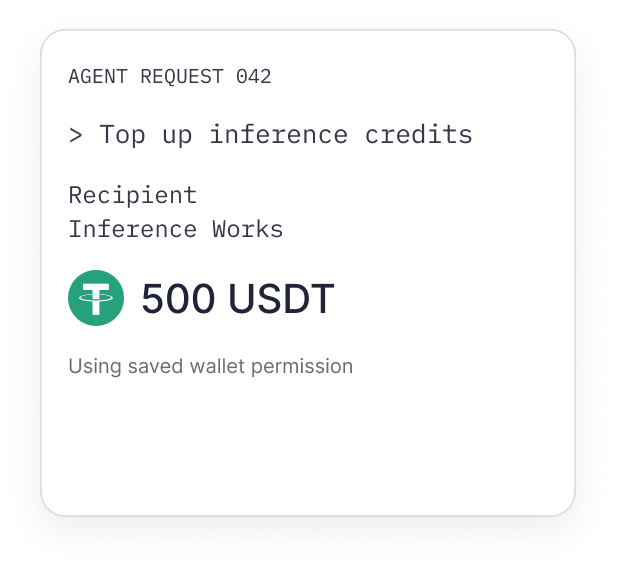
Step 01
The agent requests a payment
AGENT REQUEST 042
> Top up inference credits
Recipient
Inference Works

500 USDT
Using saved wallet permission
Step 02
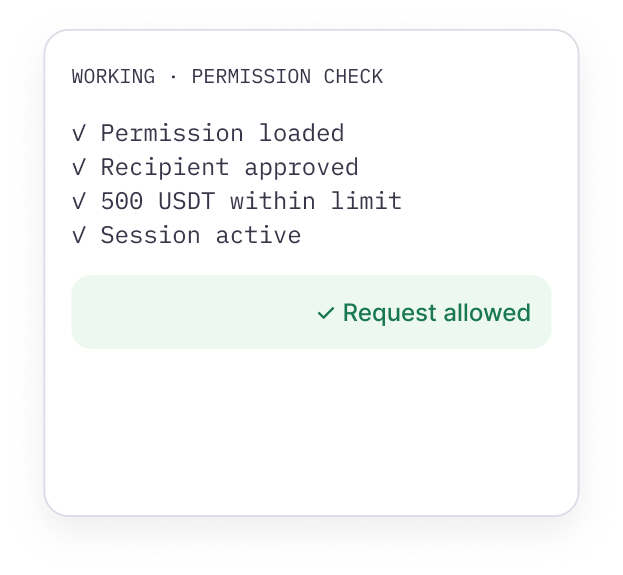
The wallet evaluates the request
WORKING · PERMISSION CHECK
✓ Permission loaded
✓ Recipient approved
✓ 500 USDT within limit
✓ Session active
Step 03
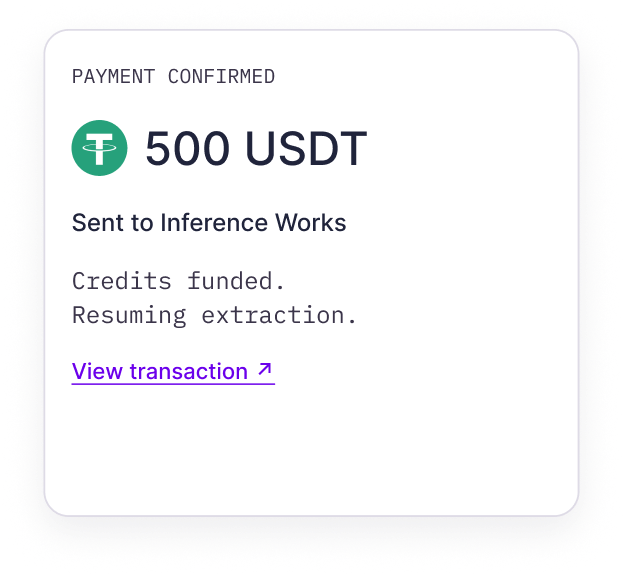
The payment completes
PAYMENT CONFIRMED
500 USDT
Sent to Inference Works
Credits funded.
Resuming extraction.
View transaction ↗
Step 04
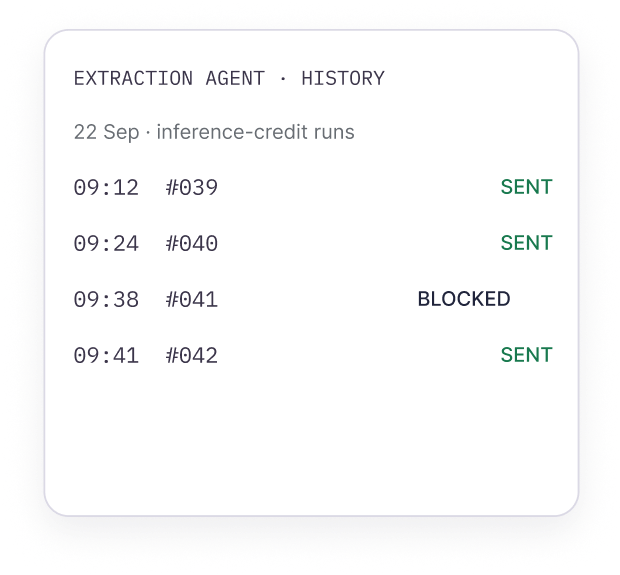
Your app records the outcome
EXTRACTION AGENT · HISTORY
22 Sep · inference-credit runs
Built for the payout flows you already run
Contractors, sellers, creators, partners, refunds, and rewards all move within terms your wallet owner approves.
- 1
Top up inference credits
Keep an agent’s API credits funded within an approved limit.
- 2
Fund a compute job
Pay for GPU time for a specific training or evaluation run.
- 3
Buy research for a task
Purchase a research pack from an approved supplier.
- 4
Pay operational invoices
Pay approved service invoices and track each result.
Top up credits for document extraction
Credits funded. Resuming extraction.
PAYMENT TOOL
✓ Transfer confirmed

500 USDT
✓ Existing permission loaded
✓ Inference Works approved
✓ 500 USDT within request limit
✓ Session active
Built for the payout flows you already run
Contractors, sellers, creators, partners, refunds, and rewards all move within terms your wallet owner approves.
Top up inference credits
Keep an agent’s API credits funded within an approved limit.
Fund a compute job
Pay for GPU time for a specific training or evaluation run.
Buy research for a task
Purchase a research pack from an approved supplier.
Pay operational invoices
Pay approved service invoices and track each result.
Your agent logic. Our SDKs.
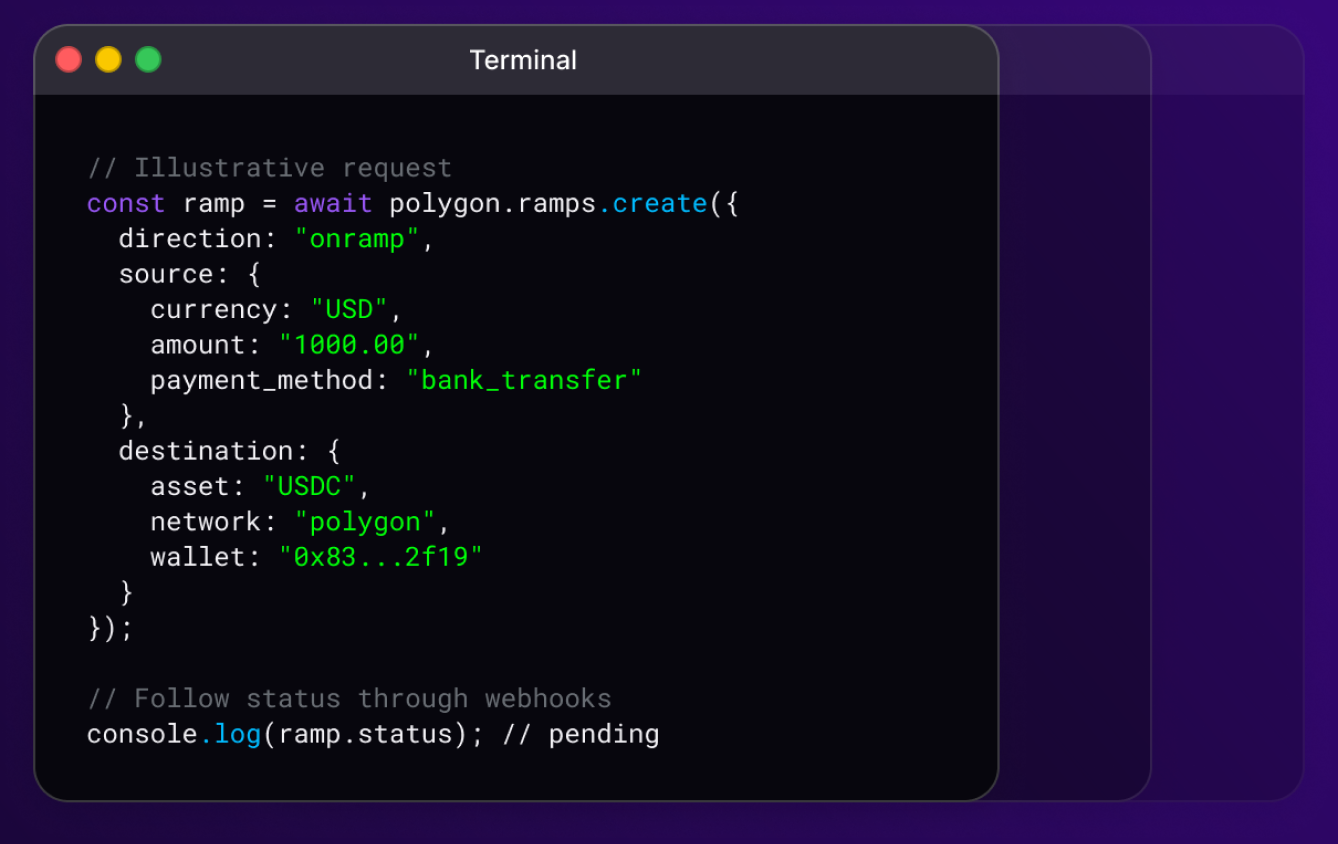
Collect owner approval with OMS Wallet SDKs. Use the TypeScript SDK to request supported transfers from your agent workflow, within the approved onchain limits.
Frequently asked questions.
If you don't see your question answered here, reach out to our support team, we're always happy to help.
contact us