tl;dr
- Set up a stablecoin payout run once, with the recipients, budget, and run window your team chooses.
- Send payout requests when the cycle begins, without a new signature for every transfer.
- Have the wallet check each payout against the approved recipient scope, spend limit, and expiry onchain.
- Turn off the rule whenever you need future payouts to stop.
Payouts are part of the regular rhythm of a platform business, and they often become global before the underlying systems do. Marketplaces settle sellers across countries. Contractor platforms pay people who do not share their home currency or banking hours. Creator revenue shares, customer rewards, and partner commissions all have their own cadence. Across all of them, the work is the same: get money to the right people, on time, without turning every cycle into a new project.
Stablecoins make that a much more workable proposition. They provide a shared, always-on way to move value across borders, without every payout program having to take on the cost, delays, and operating hours of traditional cross-border rails.
That is why more payout products are building stablecoins into their global money movement. The familiar operating model still matters, though. Teams need a clear recipient list, a budget, a schedule, and the ability to change or stop a run when circumstances change.
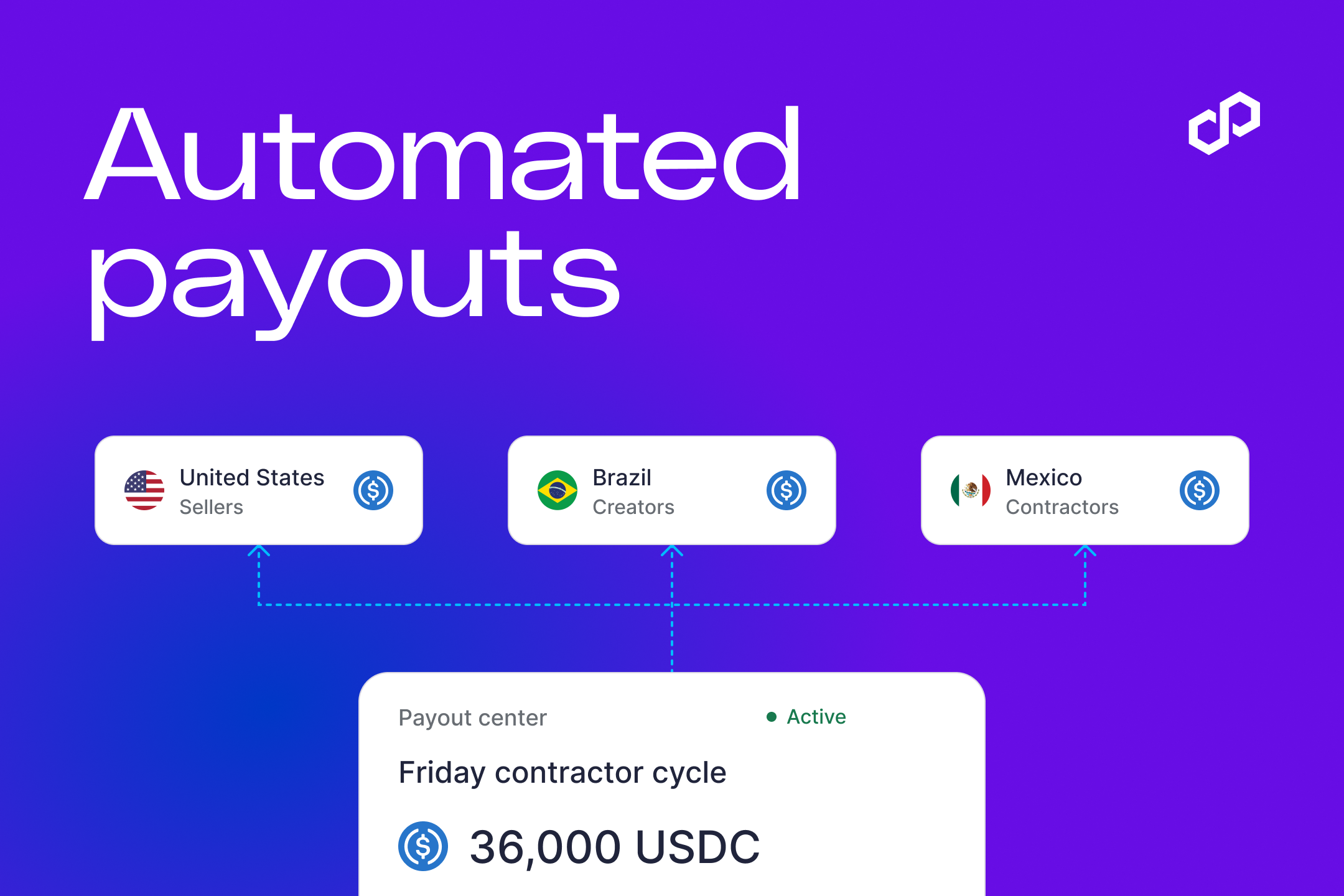
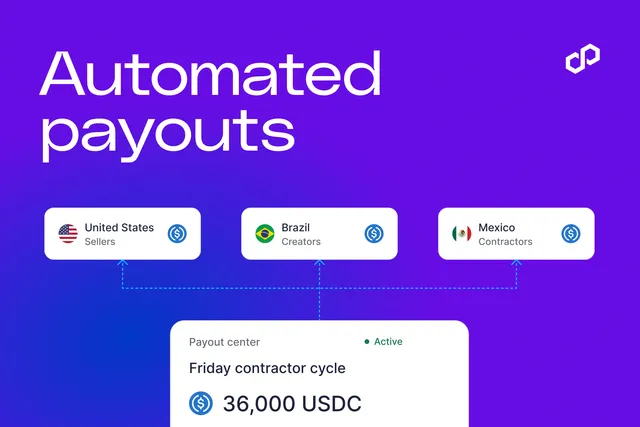
Today, we’re introducing automated payout runs in Polygon Open Money Stack. Your team sets the recipient scope, payment budget, and run window once. When the cycle begins, your product requests the payouts, and the wallet checks each one against those agreed terms.
It gives teams a way to automate the work they repeat while keeping the controls that make payout operations dependable. Within Polygon OMS, the payout run sits in the same flow that brings money in, holds stablecoin balances, and routes funds onward for settlement.
Why stablecoins for payouts
Cross-border payouts still inherit the limits of the banking systems beneath them: cut-off times, intermediaries, and different rules in every market. Stablecoins give payout products a common, always-on rail for moving value globally.
That matters for a marketplace settling sellers in multiple countries, a contractor platform paying a distributed workforce, or a rewards program serving customers wherever they are. The payout experience can stay familiar, while the money moves on infrastructure built for global, real-time settlement.
Polygon OMS adds the rest of the flow around that rail: bringing money in, holding balances, applying approved payout terms, and routing funds to their final destination.
Get the payout run ready ahead of time
The best payout systems make a repeatable job feel routine. Operations teams should be able to prepare an approved run in the system they already use, start it when the cycle begins, and know that the same checks will follow every payment, wherever the recipients are.
That pattern works for marketplace seller settlements, contractor payments, creator revenue shares, customer rewards, and partner commissions. Stablecoin payouts give each of these programs a global rail, while the operational need stays consistent: define the cycle ahead of time, run it reliably, and retain the flexibility to make a change when it is needed.
With a defined payout rule, your operations team sets the terms once for a known program. Your product then requests the allowed payments during the approved run window. The workflow stays familiar for the team, while the wallet keeps the recipient and spend boundaries in place.
What your team sets before the run
Your product can keep the payout workflow in the interface your operations team already uses. The wallet receives the terms it needs to check each request.
- Approved payout actions and recipient scope
- A program spend limit
- A run window and expiry
- The ability to turn off the active rule
How automated payout runs work
- Your team sets up the run. They choose who can be paid, the budget, and the dates the rule is active.
- The payout cycle opens. Your product sends the payout requests for that run.
- The wallet checks each payment. It makes sure the request fits the approved recipient scope, budget, and time window.
- Your team can close the run early. Turning off the rule stops the next payout request.
The payout rules are enforced onchain
Each payout request uses a scoped wallet permission. Your team defines the contracts and methods it may call, the maximum token amount, and the expiry. Polygon OMS records those approved terms in the wallet’s onchain Sessions Module, where the wallet checks every request as it is executed.
That is an important difference. The service running the payout cycle can submit a request, but the rule does not live only in that service. It lives onchain with the wallet. After approval, the backend cannot widen the recipient scope, increase the spend limit, or extend the expiry. If a request falls outside the terms, the wallet rejects it at the contract level.
For a payout business, that means the team can automate a scheduled stablecoin payout cycle without handing a server an open-ended mandate over payout funds. The operational workflow stays flexible, while the authority to move stablecoins remains tied to the approved terms. Technical teams can review the permission model, wallet quickstart, and wallet configuration reference.
What a payout run needs
- The team knows the boundaries. Operations should know who can be paid and what the run can spend before it begins. Polygon OMS rules can define payout scope, spend limits, and expiry.
- Each payout stays within the run. A server should not decide on its own what a wallet can move. The wallet enforces the rule onchain.
- The team can stop the run. Plans change, and active payout cycles need an off switch. The active rule can be revoked.
- The money flow can grow. A global payout product needs funding, stablecoin balances, routing, and settlement around each run. Polygon OMS connects those parts through one integration, while letting teams add what they need as the product grows.
One payout rule, a fuller money flow
Automated payout runs belong in a wider global money flow. Polygon OMS connects the money coming into your product with stablecoin balances, the controls around each payout run, and the routing and settlement that follow. A team can start with the payout capability it needs today, then build out more of the flow without taking on a new collection of providers and integrations at every step.
Read the technical reference for the permission model, or talk to a payments specialist about the payout flow you want to build.
Disclaimer
This post is for general informational purposes only and does not constitute legal, financial, tax, regulatory, or investment advice. Nothing contained herein should be construed as a solicitation, offer, or recommendation to buy, sell, or engage with any product or service, nor should it be relied upon as the basis for any decision.
Users and institutions are solely responsible for ensuring that their access to and use of any Polygon product or service complies with all applicable laws, rules, and regulations in their respective jurisdictions. Polygon Labs makes no representation or warranty that any particular program configuration, feature, or use case will satisfy the legal or regulatory requirements of any specific jurisdiction. Users and institutions are strongly encouraged to seek independent legal counsel regarding their specific compliance obligations before engaging with any Polygon product or service.
The features, use cases, and illustrative examples described in this post are subject to applicable law and may not be available in all jurisdictions. All statements regarding future products, features, functionalities, or capabilities are forward-looking in nature and subject to change without notice. Such statements should not be relied upon as representations of future performance or availability.
Polygon Labs reserves the right, in its sole discretion and without prior notice, to modify, suspend, limit, restrict, or discontinue the program or any component of the Open Money Stack (“OMS”), in whole or in part, at any time. Use of OMS is subject to OMS terms and conditions. Polygon Labs further reserves the right to restrict or terminate access to any code, feature, or support for any user or in any jurisdiction where required by applicable legal or regulatory obligations.
Blockchain technology, smart contracts, and decentralized protocols involve inherent and significant risks, including but not limited to technical vulnerabilities, regulatory uncertainty, and potential loss of funds. To the fullest extent permitted by applicable law, Polygon Labs shall not be liable for any damage of any kind arising from or in connection with the use of, or reliance upon, the program, the Open Money Stack, or any information contained in this post.

Polygon Open Money Stack now supports Solana
New to Polygon OMS: Agent payments with limits your team sets
Introducing Polygon CDK Besu: Launch a Hyperledger Besu chain connected to other chains and their liquidity

Polygon Open Money Stack is now a U.S.-regulated payments platform with completion of Coinme acquisition
New to Polygon OMS: Automated stablecoin payout runs with rules your team sets

Polygon Open Money Stack now supports TRON

Meet Polygon at Money20/20 USA

Monerium, Frax and Capa connect euro payments to onchain FX markets on Polygon
Introducing crypto checkout in Polygon Open Money Stack