Every payment a non-custodial wallet sends needs a signature.
For a one-off purchase, that’s fine. For a subscription, a multi-step checkout, or a run of payouts, the signature prompt is the friction getting in the way of the product.
The user approves, waits, approves again. A flow that should take one tap takes five, and a lot of users drop off.
The Open Money Stack (OMS) is our open payments infrastructure: the Polygon network settles the money, and Polygon Wallets are the layer the customer actually touches.
A stack that moves money end to end is only as good as its last mile, and often the last mile lives in the wallet.
We built smart sessions to fix the part that kept breaking under real payment flows: the prompt.
Iframe embed
Why the prompt was there in the first place
The prompt persists for a good reason.
Non-custodial means the customer holds their own keys, and holding the keys means approving what moves. That model protects the customer.
It was also designed for occasional, deliberate transactions, not for the cadence of a payments product. Recurring billing, marketplace settlement, bulk disbursement: each of these assumes the app can act on an instruction the customer gave once.
Per-transaction approval and recurring payments are in direct conflict.
Smart sessions resolve that conflict.
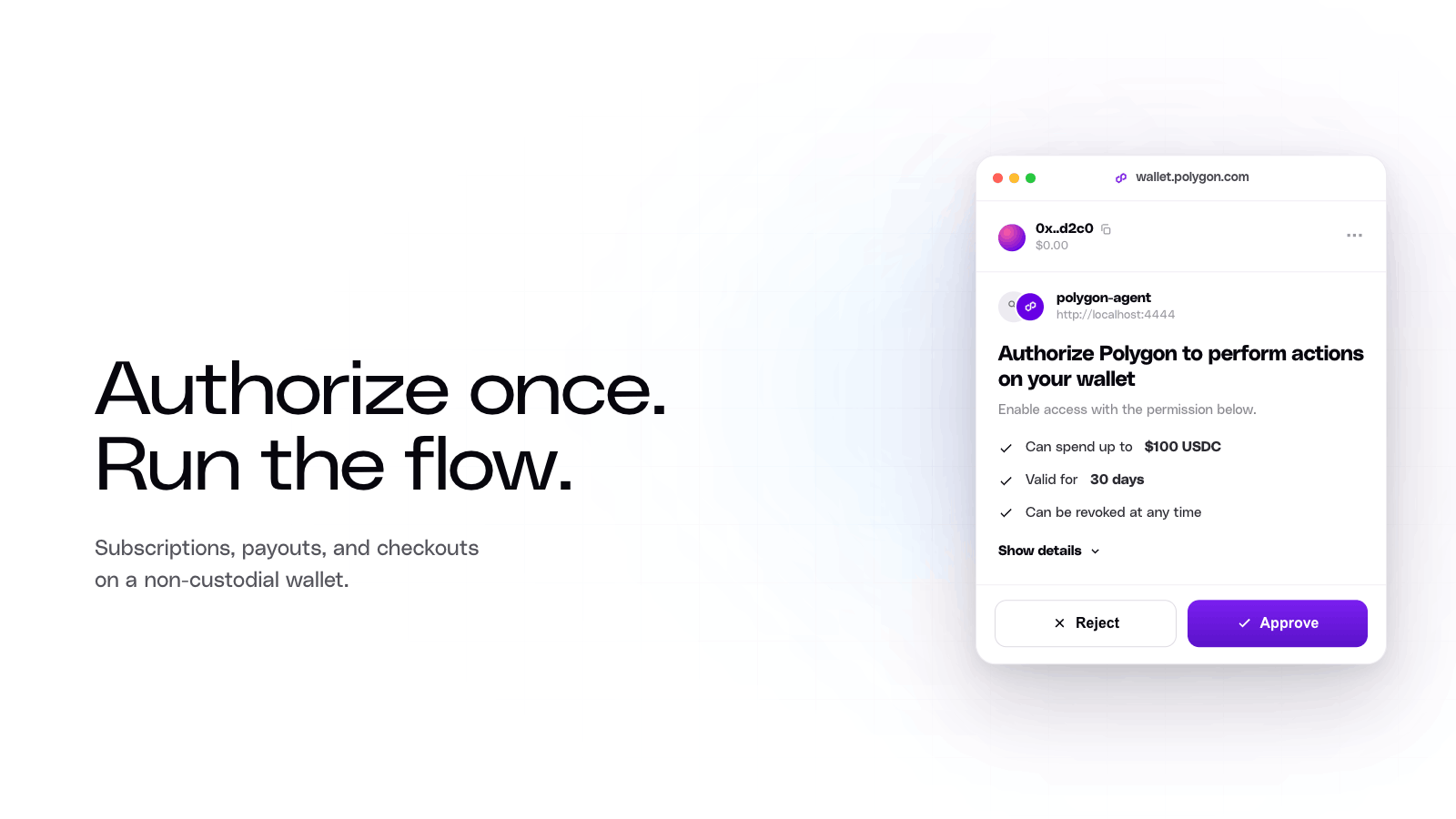
A smart session is a scoped, time-limited permission grant. The customer authorizes a recurring payment, a batch settlement, or a multi-step checkout one time, and the app handles the rest inside the limits the customer agreed to. No custody changes hands, and the customer can revoke any session at any moment. That revocability is what keeps it aligned with the non-custodial stance. The permission always lives with the customer, never the app, so the wallet stays true to the rest of the stack: open, and owned by the customer. The prompt stops interrupting flows the customer already approved.
There are two kinds of session, and most payment products use both.
Implicit sessions: the routine motion inside your app
Implicit sessions cover the in-app work. Once the customer signs in, your app can transact without further approval, as long as every transaction stays inside your own contracts and your app sponsors the gas. (Sponsoring gas means your app pays the network fee, so the customer never has to hold a native token just to move money.) The session is cryptographically locked to your domain, so no other site can use it.
Reach for implicit sessions for the routine motion inside a single product: status checks, balance reads, small in-app transfers. The trade is deliberate. We designed implicit sessions to be frictionless because they are narrow. They touch only the contracts you control, and you carry the gas cost.
Explicit sessions: when money leaves your contracts
Explicit sessions cover everything that should carry the customer’s direct sign-off. The customer reviews and signs a permission set that spells out exactly what the app can do: which contracts it can call, which methods, the maximum token amount, and when the permission expires. Reach for explicit sessions when money leaves your contracts: a stablecoin transfer with a spending cap, an interaction with an external protocol, any flow where the customer should authorize the scope themselves.
Here is a permission set that lets an app move up to 100 USDC on the Polygon network over a 30-day window:
The customer approves this set once. After that, the app can transfer up to 100 USDC for the life of the session without prompting again. Cross the cap, and the transaction fails.
Most payment products run both
The two session types are built to work together. The implicit session handles the in-app interactions: reading balances, updating status, moving small amounts inside your contracts. The explicit session handles the external transfers and the protocol calls that need a customer-scoped limit. Together they cover the full path of a payment, from the tap inside your app to the settlement that leaves it, with one approval each instead of one approval per transaction. That full path is the point of the Open Money Stack, and the wallet layer is where it either feels effortless or falls apart.
The limits are enforced onchain, not in your code
The scope a customer signs is not a frontend convention. Smart sessions are enforced onchain. A transaction that exceeds its scope is rejected at the contract level, so the app cannot spend past what the customer approved, even by mistake. The session rules live in the wallet’s Merkleized configuration (a cryptographic structure that lets anyone verify the rules without trusting an off-chain service). The permission the customer signed is the permission the chain enforces.
That last point is the one institutions ask about first. A spending limit is only worth as much as the layer that enforces it. We put the enforcement onchain rather than in application code for exactly this reason: an app bug, a compromised server, or a bad actor inside the app still cannot move more than the customer authorized. The cap holds because the contract holds it, not because the code remembered to check.
This is what open is supposed to feel like
Closed payment platforms can already hide the prompt, because they hold the keys and they hold the money. The customer gets a smooth experience and gives up control to get it. That’s the trade the rest of the financial system keeps asking people to make.
The Open Money Stack removes the prompt without asking for that trade. The customer keeps custody, the chain enforces the limits, and the app still gets the one-approval experience a closed platform would give. Smart sessions complete the wallet layer so the whole stack delivers what we built it to deliver: money that moves end to end without stopping to ask. We built the OMS to be one open stack for moving money, and smart sessions are how that reaches the customer’s screen.
If you’re building, the configuration above is the starting point.
Define what the app may do, hand the customer one approval, and let the routine payments run without the prompt in the way.
Get early access to the Open Money Stack today → Get early access
Disclaimer
This post is for general informational purposes only and does not constitute legal, financial, tax, regulatory, or investment advice. Nothing herein constitutes a solicitation, offer, or recommendation to buy, sell, or use any product or service. The code shown is a simplified, illustrative example provided as is, without warranties of any kind; you are responsible for testing, securing, and configuring any implementation for your own use case. Use of Open Money Stack, Polygon Wallets, smart sessions, and related Polygon products is subject to Polygon’s Terms of Use and the Open Money Stack Terms and Conditions (polygon.technology/terms-of-use), as well as any applicable third-party terms. Users are responsible for ensuring compliance with all applicable laws in their jurisdiction. Smart sessions and related features are currently in technical preview with limited early access; features, availability, and functionality are subject to change, modification, suspension, or discontinuance at any time without notice at Polygon’s sole discretion. Regulated money services activity within OMS, including fiat on- and off-ramp services, may be carried out by licensed partners. Statements about future features or roadmap items do not constitute commitments or guarantees as to timeline or availability.
Polygon Open Money Stack now supports TRON
Meet Polygon at Money20/20 USA
Monerium, Frax and Capa connect euro payments to onchain FX markets on Polygon
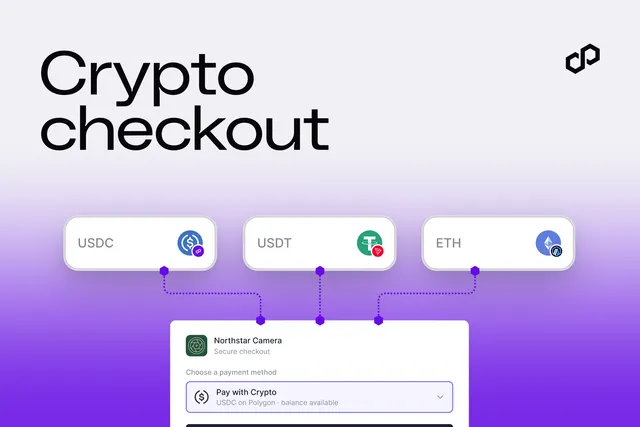
Introducing crypto checkout in Polygon Open Money Stack
Polygon passes $3 trillion in stablecoin transfer volume

Polygon Chain now supports 11 million payments per second
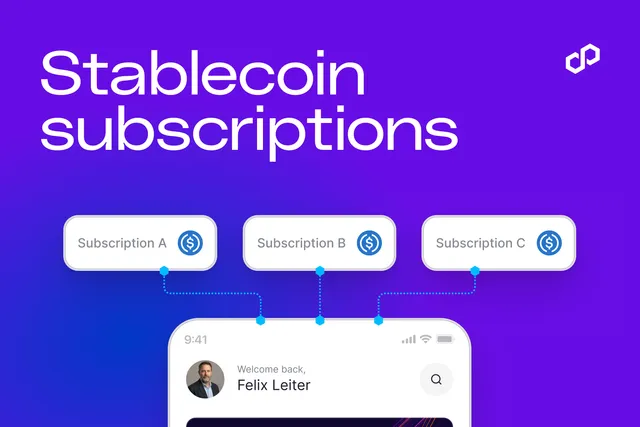
New to Polygon OMS: Recurring Stablecoin Subscriptions With One Customer Approval
Stable.com Adds Polygon for Direct-to-Bank Stablecoin Transfers
One API for Any Payment: Inside Polygon Open Money Stack